![Windows Server 2025 Standard 100PC [MAK:Volume]](https://discountpremium.in/wp-content/uploads/2025/12/G@@GLE-ONE-100-GB-6-MONTH-4.png)

Description
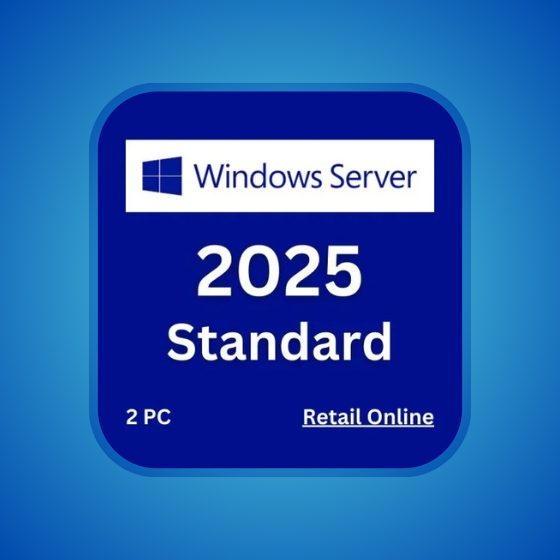
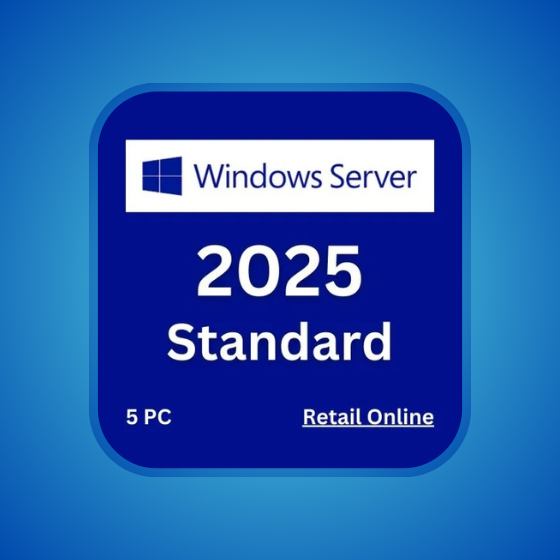
- You will receive 1x Windows Server 2025 Standard key that can activate 100PCs.
- Lifetime activation.
- Friendly and professional customer support.
- Experience fast and convenient product delivery through our web store dashboard. Receive order status notifications directly to your email, then visit My Account >> View Orders to see your purchased products.
- 60 Days one-to-one replacement warranty.
- Guaranteed 100% Authentic Licenses.
- Ensure You’re Purchasing the Right Version/Edition/PC Count for Your Needs. We do not accept returns or exchanges for incorrect orders after delivery. If you have any questions, please don’t hesitate to contact us.
- Make sure you’re not using the “Evaluation” edition. If you use the “Evaluation” edition, you must convert it to the full edition to activate or reinstall using the full edition ISO.
To convert Windows Server Standard/Datacenter Evaluation to a full edition:
- Open Command Prompt as Administrator:
- Right-click the Start button and select Command Prompt (Admin) or Windows PowerShell (Admin).
- Enter the Product Key:
- Run the following command, replacing
XXXXX-XXXXX-XXXXX-XXXXX-XXXXXwith your product key:dism /online /set-edition:ServerStandard /productkey:XXXXX-XXXXX-XXXXX-XXXXX-XXXXX /accepteula- For Datacenter edition, use
ServerDatacenterinstead ofServerStandard.
- For Datacenter edition, use
- Run the following command, replacing
- Restart the Server:
- Follow the prompts to restart your server.
After the restart, your Windows Server should be converted to the full edition.